Using Orbit in a course
The short answer
Join with your instructor's course link or code. Your site stays in your own account during and after the course.
Joining your courseLink to “Joining your course”
- New to Orbit? Open the course link and create your account.
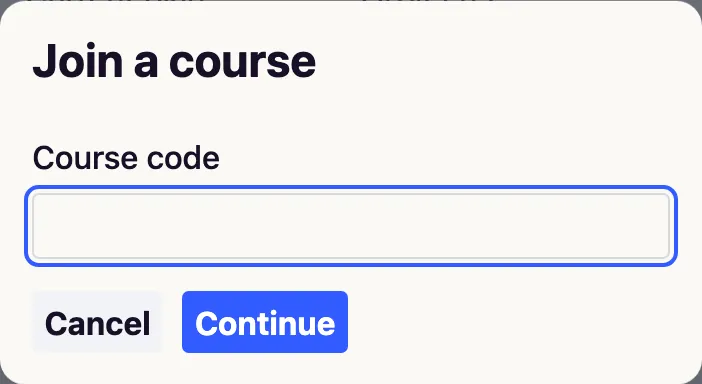
- Already have an account? Sign in and open the link. Or go to Account, tap Join a course... and type your course code.
What your course gives youLink to “What your course gives you”
Your instructor can tell you which plan your course includes. A course can give you Orbit Basic for a set number of days from the day it starts. Account shows the day it ends. Your course also gives you a library for your photos and PDFs.
The student priceLink to “The student price”
For students, Orbit Basic costs $97 CAD the first year, then $147 a year, plus applicable taxes. Join your course first, and the student price shows when you subscribe in Account.
What your course instructor can seeLink to “What your course instructor can see”
- Your email, when you last signed in, your sites and how many people visited them.
- Messages from your site's contact form.
- Not your drafts: only what you publish.
- After your course's support period ends, your instructor can see only your email address.
What your course instructor can doLink to “What your course instructor can do”
- Reset your password if you're locked out.
- They can't change your site.
After the courseLink to “After the course”
Your site stays in your own account, at the same Orbit address. If your course gave you Orbit Basic, your domain and contact form stop 14 days after it ends, unless you subscribe.