Photos and PDFs on your site
The short answer
Orbit Basic gives you a library for your own photos and PDFs. Orbit Free doesn't, but if you're in a course, your library comes with the course.
What you can addLink to “What you can add”
- Photos in JPEG, PNG or WebP, and PDFs.
- Each file can be up to 10 MB.
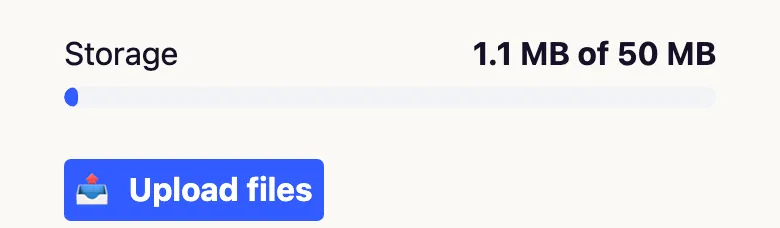
- Your library holds up to 50 MB in all, in as many files as you like.
- Before a photo or PDF goes public, Orbit removes hidden details, like where a photo was taken.
Adding a file to a pageLink to “Adding a file to a page”
- Tap Media at the top of Orbit, then Upload files.
- For a photo, open the editor and switch to Edit. Tap the photo you want to change, choose Replace photo..., pick your photo and tap Done. You can also upload one from there.
- For a PDF, tap Options... beside it in Media, then Copy link. Start a chat session and ask Orbit to link to it.
When Orbit Basic endsLink to “When Orbit Basic ends”
- You can't upload new files.
- The photos on your pages stay.
- After a free trial, the original files you uploaded are kept.
- After a course or a paid subscription, they're kept for three months, then deleted. Media shows the day.